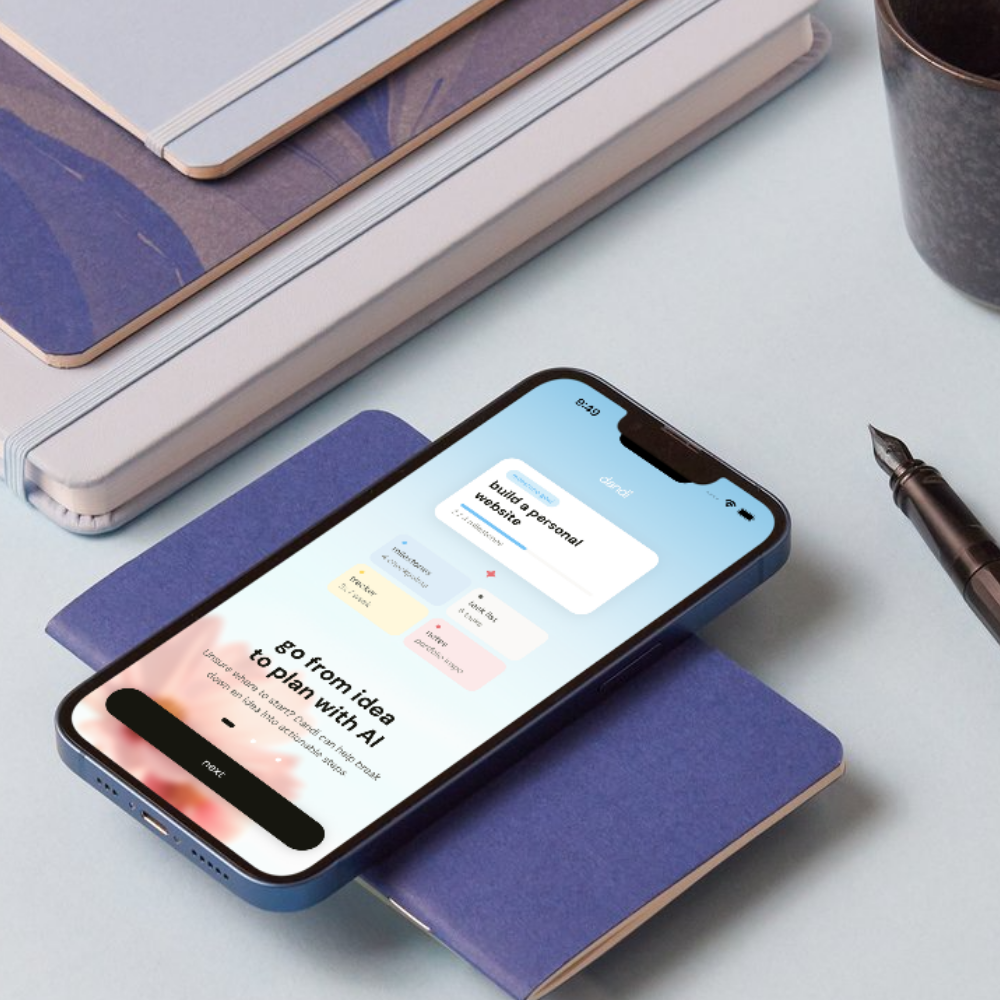

Dandi is for the goals you don’t want to forget about. It helps turn big ambitions into smaller steps, giving you a dedicated place to plan, track progress, and keep coming back to what matters.
The Problem
You have the goal. Life gets in the way.
The things we want to do for ourselves are easy to put off when there’s always something more urgent competing for our attention.
“Nearly 1 in 2 people who make New Year’s resolutions have given up on them by the beginning of February.”
UCLA Health, 2024
Research & Ideation
The challenge wasn’t wanting the goal. It was following through.
Research reinforced how easily long-term goals get pushed aside: 69% of Americans said the pace of society makes it harder to stick with long-term goals, while 26% said they often or always feel too busy to even think about them (Northwestern Mutual, 2013).
Planning also made a meaningful difference. In a study of 248 people, 35% of participants who received a motivational intervention exercised, compared with 91% of those who also made a specific plan for when and where they would act (Milne et al., 2002).
That pointed me toward two needs: make the next step easier to define, and make goals harder to forget.
The idea behind Dandi
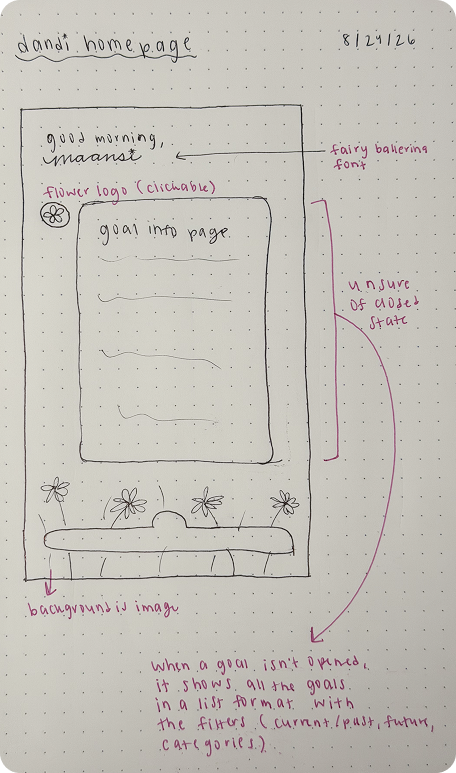
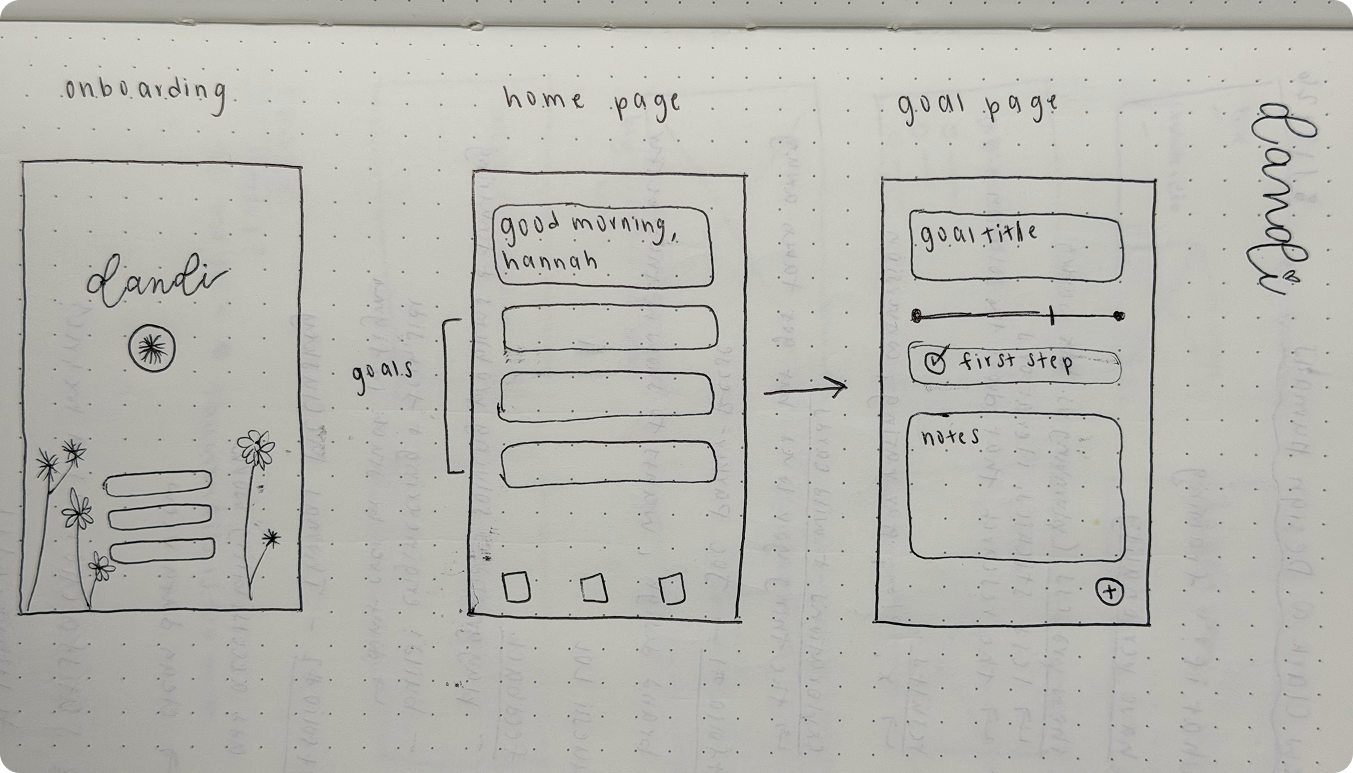
I wanted those goals to have a place that felt worth coming back to — not another productivity dashboard. The idea of wishing on a dandelion became the foundation for Dandi: starting with something you hope to make happen, then giving it the structure and space to grow into something real.
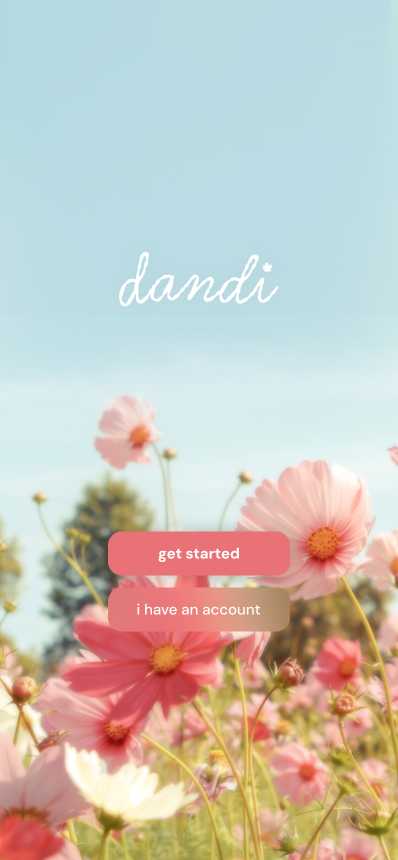
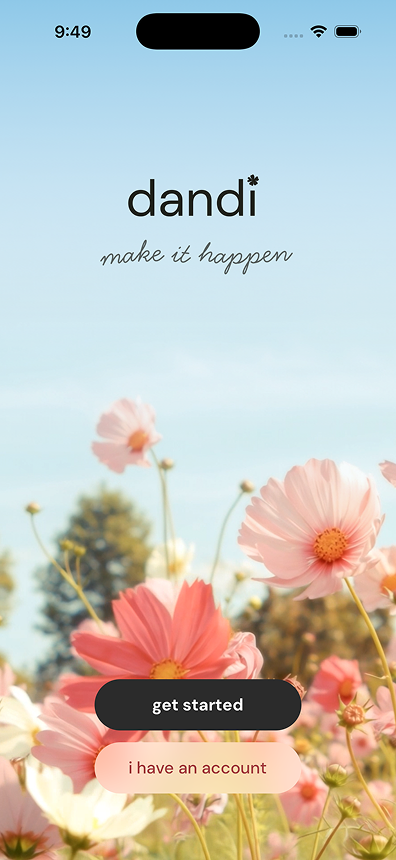
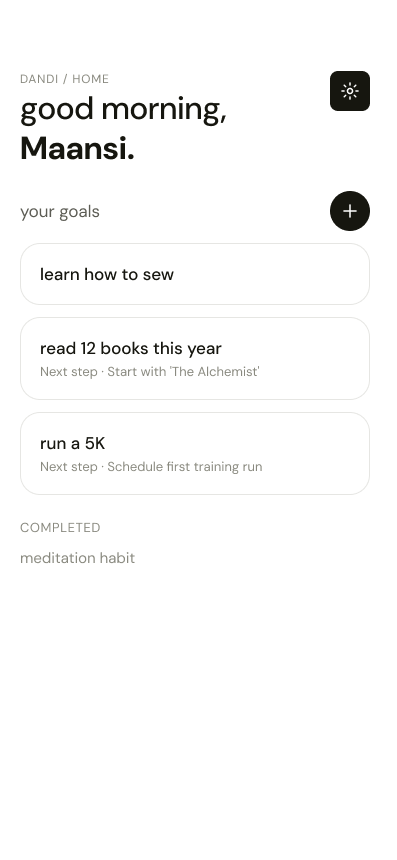
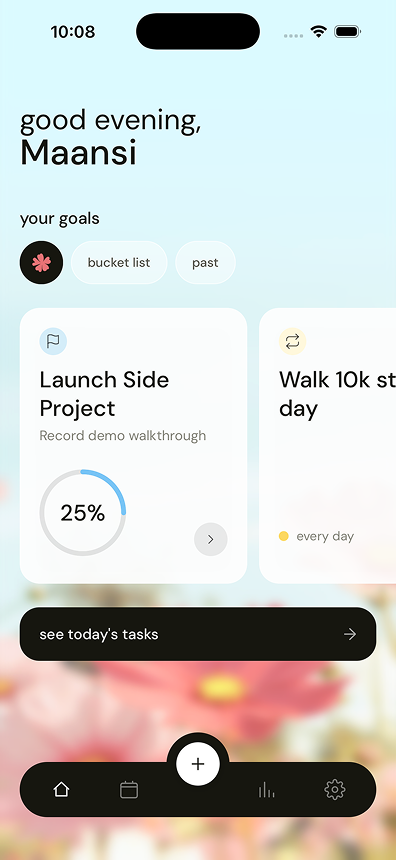
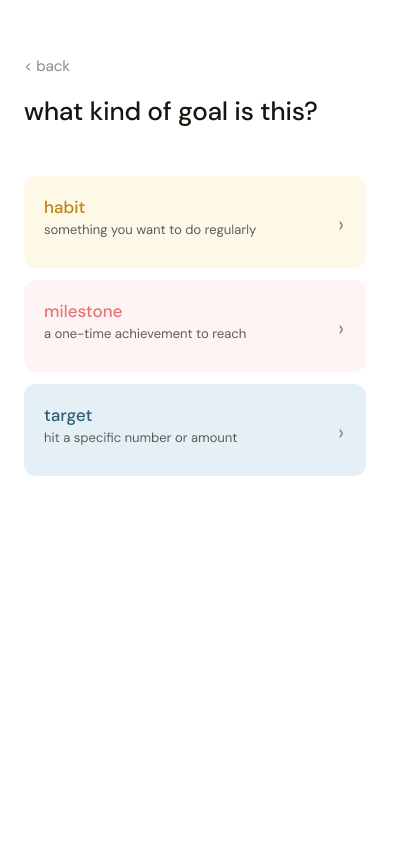
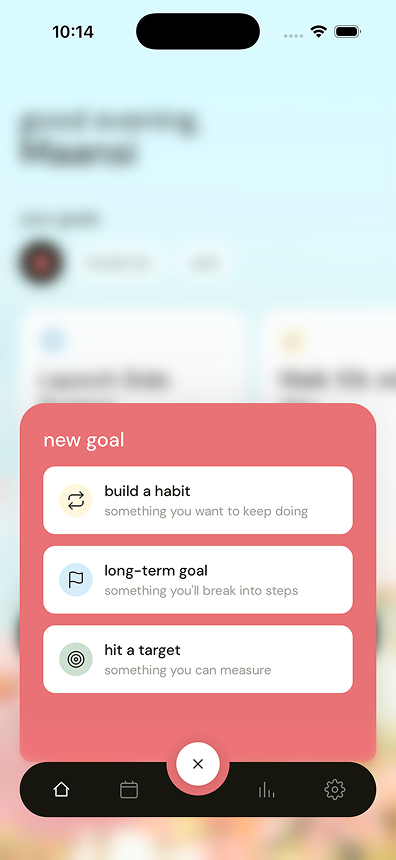
Some explorations +
why they didn't work
Hover over each screen to see what changed and why.
The Solution
Make big goals easier to start, easier to remember, and easier to keep moving.
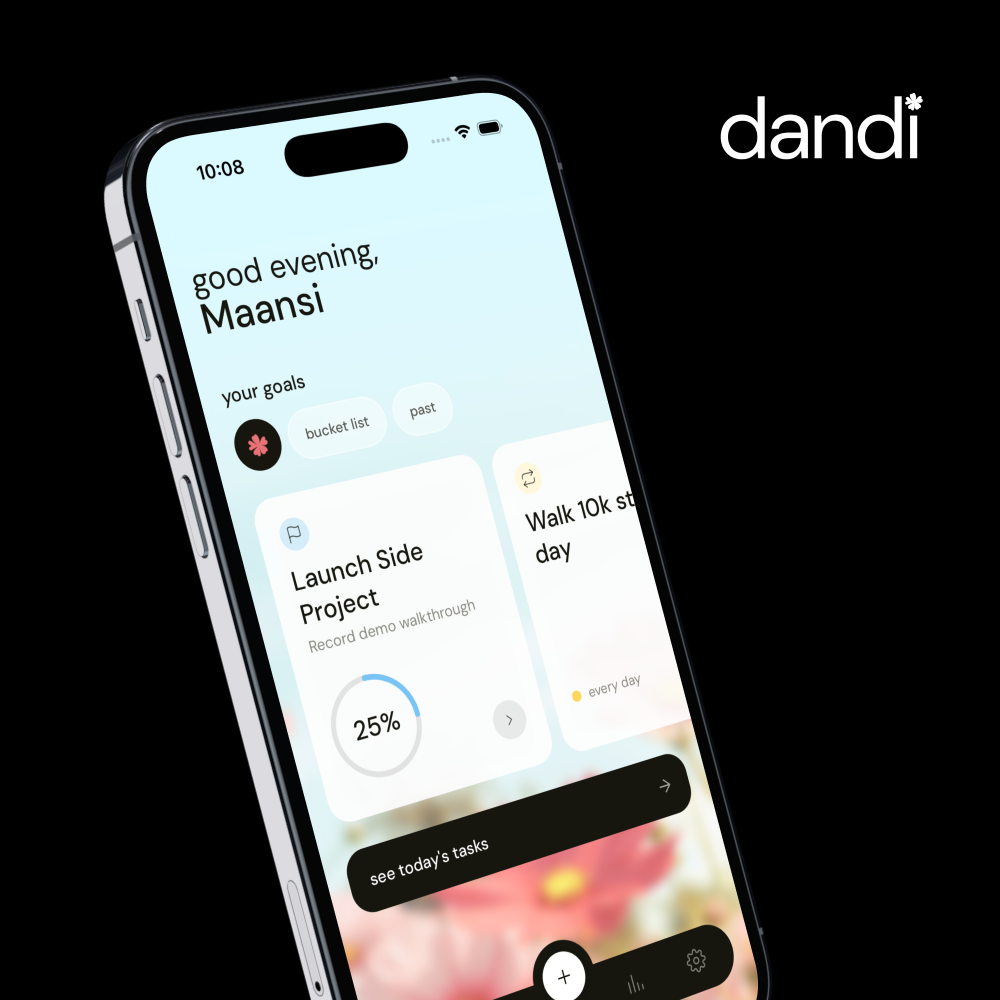
Dandi gives people one place to turn big goals into smaller, manageable pieces and keep track of the progress they’re making along the way. Because progress can look different for every goal, Dandi offers customizability. Users can choose from tasks, milestones, trackers, reminders, and notes instead of being forced into one system.
The goal was to make figuring out what to do next feel simpler, while keeping the things you want to make happen visible enough that they don’t get lost when life gets busy.
4 Core features
Hover to play each feature
makes taking the first step easier by suggesting a plan with action items and supporting modules.
keeps active goals and next steps visible so users can quickly pick up where they left off.
lets users mix and match milestones, task lists, trackers, reminders, and notes depending on the goal.
shows patterns, consistency, and progress over time so users can see how far they’ve come.
Design System
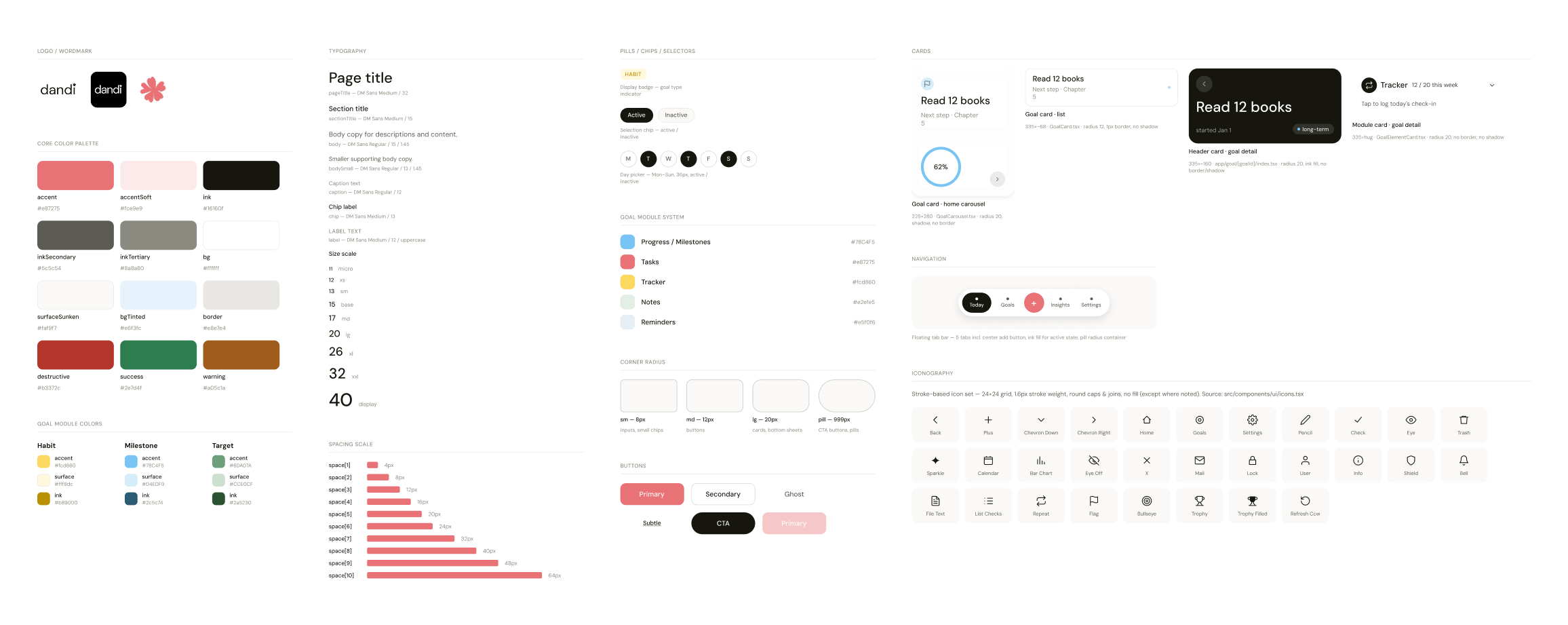
I built a lightweight design system to keep Dandi consistent while designing and developing quickly. Distinct module colors and reusable components helped make the app easier to scan and scale.
Tech Stack
- React Native — Frontend framework
- TypeScript — Language
- Expo — App development framework
- Supabase — Database + authentication
- Expo Notifications — Reminders / notifications
Toolkit





Hover over an icon to see how it was used
Outcome & Reflections
Big goals feel less intimidating. And harder to forget.
Early beta feedback reinforced that Dandi made it easier to turn a goal into something users could actually start and come back to. 4 of 6 beta testers said Dandi made it easier to figure out what to do next toward a goal, while 3 of 6 said the app surfaced tasks they had forgotten about.
Building Dandi changed how I think about what I can make as a designer.
I truly enjoyed being able to move from idea to implementation quickly. With Claude & Figma MCP, I could easily explore ideas that previously would've felt too technical or out of scope. I also ended up pulling inspiration from places I didn’t expect — especially Pinterest, which I use in my day-to-day life but never thought of as part of my design process.
The harder part was knowing when to stop. With AI, testing multiple visual directions became easier than ever, which also made it easier to second-guess my decisions. I could get pulled into polishing details during moments when my priority needed to be usability. It taught me to set clearer priorities, time-box exploration, and recognize when a design was ready to move forward.